
7 Website Mistakes That Are Quietly Costing You Customers
Introduction
Your website is usually the first place people interact with your business and most visitors decide within a few seconds whether they’ll stay or leave.
Here’s the uncomfortable part: a lot of businesses don’t even realize their website is quietly pushing customers away. It’s rarely one big, obvious problem. It’s usually small website mistakes stacking up until visitors just… disappear.
Below are the 7 most common ones and what they’re actually costing you.
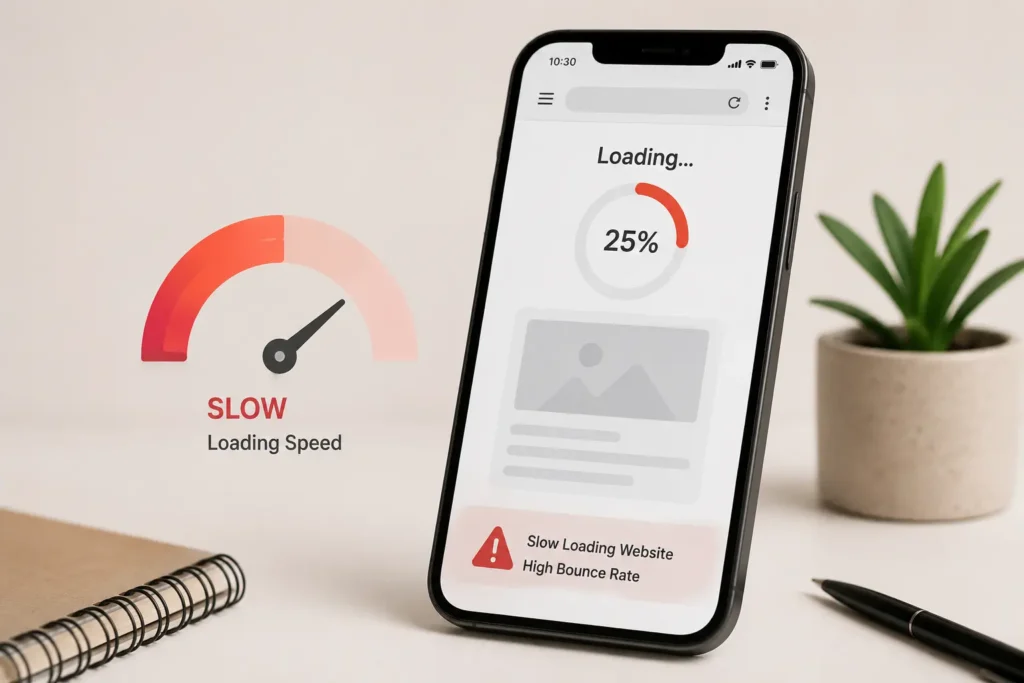
1. Slow Loading Pages
Nobody waits anymore. If a site takes too long to open, people simply go back and pick another option and they don’t come back to give you a second chance.Even a couple of extra seconds can be the difference between a customer and a bounce. Heavy images, poor hosting, and messy code are usually the real culprits behind slow website loading speed, and most of them are fixable without a full rebuild.
2. Not Working Properly on Mobile
This one is still surprisingly common in 2026. A site can look perfect on a laptop and completely break or just feel clunky on a phone.Since most users now browse on mobile first, having a mobile-friendly website isn’t optional anymore. If your layout shifts, buttons are too small to tap, or text runs off-screen, you’re losing a big chunk of traffic before they even see what you offer.
3. Confusing Layout or Navigation
If people have to think too hard about where to click next, they usually don’t stick around to figure it out.Menus should feel obvious. Important pages should be easy to reach in one or two clicks. The moment a visitor feels lost, they leave and they rarely try again.
4. Weak or Missing Calls to Action
A website shouldn’t just “exist” it should actively guide people toward a decision.Whether it’s “Get a Quote,” “Contact Us,” or “Book a Call,” there needs to be a clear, obvious next step. Without strong calls to action, even an interested visitor is left guessing what to do and guessing usually ends in them clicking away.
5. Old or Outdated Design
Design doesn’t need to be flashy, but it does need to feel current. An outdated layout quietly chips away at trust, even when the service behind it is genuinely solid.Whether we like it or not, people associate design quality with business quality far more than they’d admit. If your site still looks like it was built years ago, it’s silently working against you.
6. No SEO At All
If your website isn’t optimized for search engines, it’s basically invisible to anyone who doesn’t already know your brand name. This is where SEO that actually moves the needle comes in it’s what helps people discover you while they’re actively looking for what you offer, instead of relying on word-of-mouth alone.
7. No Tracking or Insights
A lot of businesses never check what’s actually happening on their own site. Without basic analytics in place, you’re not making decisions — you’re guessing what’s working and hoping for the best.Tracking doesn’t need to be complicated. Even knowing which pages people leave from, or which funnel step loses the most visitors, can completely change what you fix first.
Quick Recap: Is Your Website Making These Mistakes?
| Mistake | Quick Check |
| Slow loading speed | Does your homepage load in under 3 seconds? |
| Not mobile-friendly | Does everything work smoothly on a phone? |
| Confusing navigation | Can a first-time visitor find what they need in 2 clicks? |
| Weak calls to action | Is there one clear next step on every page? |
| Outdated design | Would it feel current if a customer saw it today? |
| No SEO | Do you show up when someone searches your services? |
| No tracking | Do you know where visitors actually drop off? |
If you answered “no” to two or more of these, your digital presence is likely losing you more customers than you realize — worth reading how digital presence and trust connect if you haven’t already
Frequently Asked Questions
How do I know if my website is actually losing me customers?
The clearest signs are a high bounce rate, very short time-on-site, or visitors leaving without contacting you. If you’re not tracking this yet, that’s usually the first mistake to fix.
Which website mistake should I fix first?
Start with loading speed and mobile-friendliness they affect every single visitor, regardless of why they came to your site. Design and SEO improvements matter, but they only help once people can actually use your site properly.
Can an old website still rank well in Google?
It’s possible, but harder. Search engines increasingly factor in speed, mobile usability, and user experience so an outdated site is fighting against ranking factors, not just first impressions.
Do I need a complete redesign, or can these be fixed individually?
Most of these issues can be fixed individually compressing images, adding a clear CTA, tightening navigation without a full rebuild. A complete redesign is usually only necessary if the underlying structure is very outdated or hard to maintain.
HELLO! WE'RE LISTENING
Let's talk about your project your idea your vision
Services
- Social Media Marketing
- Digital Consultancy
- Email Marketing
- Link Generation
- Online Presence Analysis
Company
- Our Team
- About Us
- Contact Us
Support
- Help Center
- Get Live Support
- view documentation
Copyright © 2026softRawe
- Term of use
- Privacy Policy